

Cropping your smartphone photos can dramatically improve their composition and visual impact. You'll enhance focus on your main subject by removing distracting elements and applying the rule of thirds for better balance. Strategic cropping allows you to adjust aspect ratios, create symmetry, and emphasize leading lines, guiding the viewer's eye through the image. By manipulating negative space, you can isolate subjects and evoke specific emotions. Whether you're aiming for a cleaner look, a more dynamic composition, or a different mood altogether, thoughtful cropping transforms ordinary shots into enchanting visual stories. Mastering this simple technique will elevate your smartphone photography to new heights.
Enhancing Visual Impact

Composition is key when it comes to enhancing the visual impact of your smartphone photos. By cropping your images, you can dramatically improve their overall appeal and draw viewers' attention to the most important elements.
Start by identifying the main subject of your photo and consider how you can emphasize it through strategic cropping. You'll often find that removing distracting elements from the edges of your frame can make your subject stand out more.
Experiment with different aspect ratios to see how they affect the mood and focus of your image. For instance, a square crop might work well for portraits, while a wider panoramic crop could enhance landscape shots.
Don't be afraid to get creative with your cropping. Sometimes, zooming in on a specific detail can create a more powerful and intriguing image than the original full shot.
Pay attention to the rule of thirds and try placing your subject off-center for a more dynamic composition. Remember, cropping isn't just about trimming excess; it's about refining your photo's storytelling ability and guiding the viewer's eye to what matters most.
Removing Distracting Elements
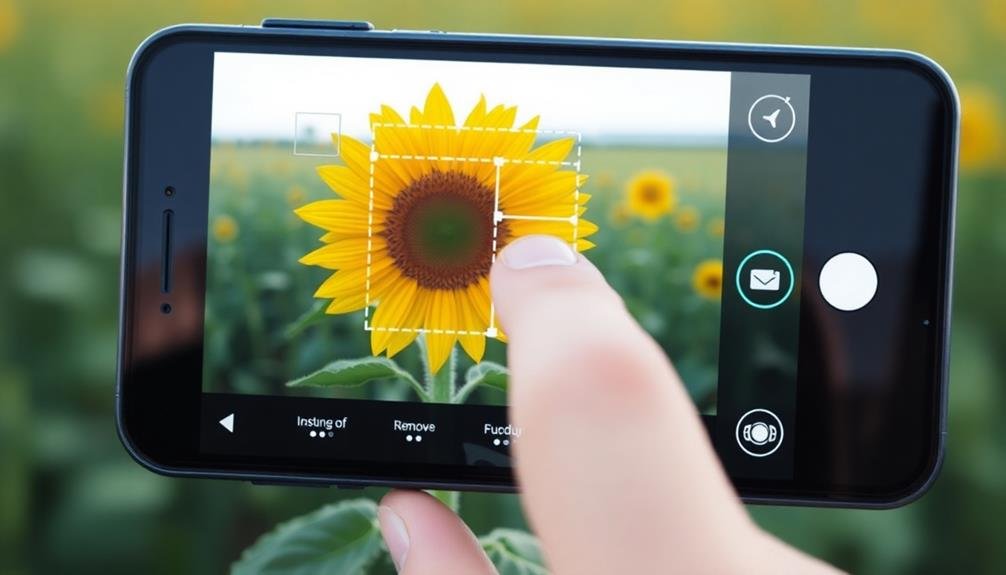
Cropping your smartphone photos can effectively eliminate distracting elements that detract from your main subject.
By removing unwanted objects or cluttered backgrounds, you'll focus the viewer's attention on what's truly important in the image.
This simplification of your composition can greatly enhance the visual impact of your photo, creating a more compelling and memorable result.
Focusing Viewer's Attention
A cluttered photograph can overwhelm viewers, diluting the impact of your intended subject. By cropping your smartphone photos, you'll guide the viewer's attention to the most important elements in your image. This technique allows you to emphasize your main subject and create a more compelling visual narrative.
When you crop, you're fundamentally reframing your shot to direct the viewer's gaze. Start by identifying the focal point of your image. Is it a person, an object, or a specific detail? Once you've determined this, crop the photo to give that element prominence. You can use the rule of thirds as a guide, placing your subject at one of the intersecting points of an imaginary 3×3 grid.
Consider the negative space around your subject as well. Thoughtful cropping can create a balance between the subject and its surroundings, enhancing the overall composition.
Enhancing Visual Impact
Eliminating distractions is key to enhancing your photo's visual impact. When you crop your smartphone photos, you're able to remove elements that draw attention away from your main subject. Look for objects in the background or foreground that don't contribute to the overall composition. These might include random people, vehicles, or unsightly structures that detract from your intended focal point.
By cropping out these distractions, you'll create a cleaner, more focused image that immediately draws the viewer's eye to what's important. Consider using the rule of thirds when cropping to place your subject in a visually striking position. This technique can dramatically improve the photo's composition and impact.
Don't be afraid to crop tightly around your subject if it means removing unnecessary elements. Sometimes, less is more in photography. A well-cropped image can transform an ordinary snapshot into a powerful visual statement.
Simplifying Image Composition
While enhancing visual impact focuses on highlighting your subject, simplifying image composition takes this concept further. By cropping your smartphone photos, you're able to remove distracting elements that might draw attention away from your main subject. This process helps create a cleaner, more focused image that's easier for viewers to understand and appreciate.
When simplifying your composition, consider these key aspects:
| Aspect | Benefits | Techniques |
|---|---|---|
| Negative Space | Emphasizes subject, creates balance | Remove clutter, crop tightly |
| Leading Lines | Directs viewer's eye, adds depth | Align edges, use rule of thirds |
| Symmetry | Creates harmony, pleases the eye | Center subject, crop evenly |
Applying Rule of Thirds
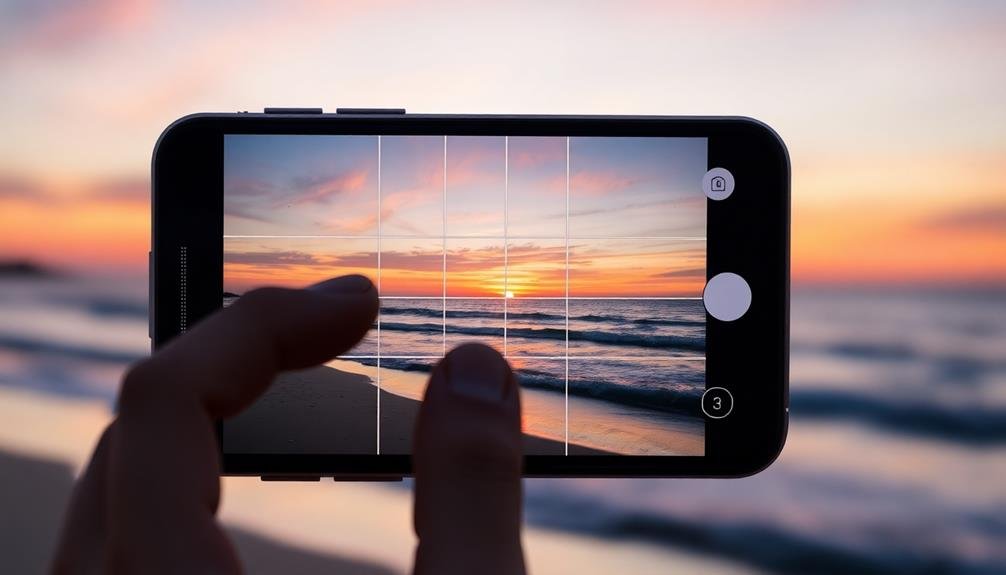
The rule-of-thirds grid is a powerful composition tool that can instantly elevate your smartphone photos. By dividing your frame into a 3×3 grid, you'll create nine equal sections with four intersection points.
These points are where you'll want to place your main subjects or focal points for maximum visual impact.
To apply the rule of thirds when cropping your smartphone photos:
- Enable the grid feature in your phone's camera settings.
- Position key elements along the grid lines or at their intersections.
- Place the horizon on either the top or bottom horizontal line.
- Align vertical subjects with the left or right vertical lines.
When you're cropping an existing photo, use the rule of thirds to recompose the image. Adjust the crop area to align important elements with the grid lines or intersections.
This technique works particularly well for landscapes, portraits, and still life shots.
Improving Subject Placement
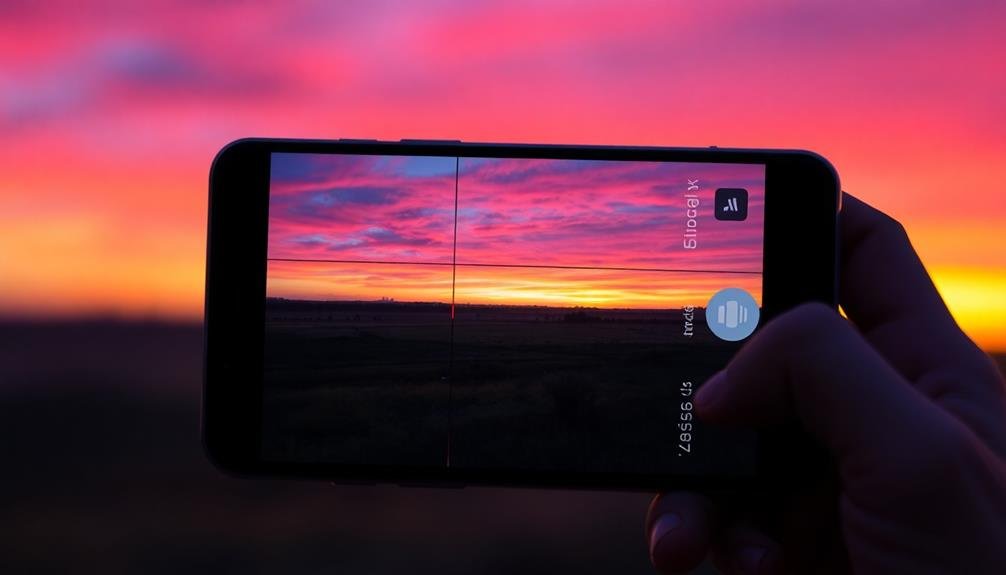
When cropping your smartphone photos, you'll want to focus on improving subject placement.
Consider using the Rule of Thirds to position your main subject at one of the intersecting points or along the gridlines.
You can also enhance your composition by balancing visual elements, ensuring that the subject doesn't appear too isolated or crowded within the frame.
Rule of Thirds
One of the most powerful reasons to crop your smartphone photos is to apply the Rule of Thirds. This compositional guideline divides your image into a 3×3 grid, creating nine equal parts.
By placing key elements along these lines or at their intersections, you'll create more balanced and visually appealing photos.
When you're cropping your smartphone photos, keep the Rule of Thirds in mind. You can adjust your image to:
- Position the horizon on the upper or lower third line
- Align vertical subjects with the left or right third lines
- Place the main subject at one of the four intersecting points
- Create negative space in two-thirds of the frame
Balancing Visual Elements
Beyond the Rule of Thirds, cropping can greatly enhance your photos by improving the balance of visual elements. When you crop, you're not just cutting out unwanted areas; you're reshaping the composition to create a more harmonious image. Look for ways to distribute visual weight evenly across your frame, ensuring no single element overpowers the others.
Consider the following elements when balancing your photo:
| Element | Impact on Balance |
|---|---|
| Size | Larger objects draw more attention |
| Color | Bright or contrasting colors stand out |
| Shape | Unique shapes attract the eye |
| Texture | Detailed textures can anchor an image |
Creating Symmetry and Balance
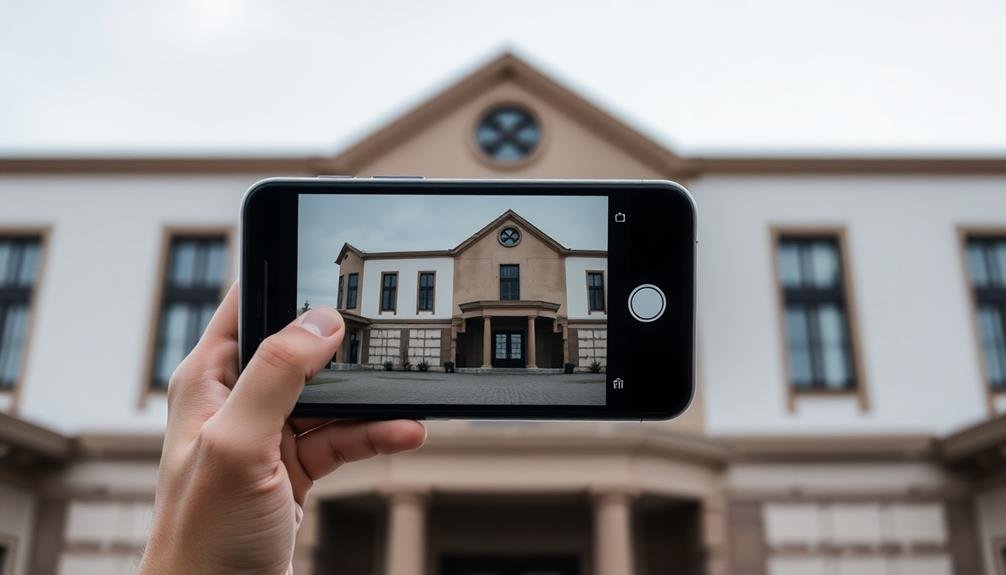
Creating symmetry and balance in your smartphone photos can dramatically enhance their visual appeal. By carefully cropping your images, you can achieve a sense of harmony that draws the viewer's eye to the main subject.
When you're editing your photos, look for ways to align elements symmetrically or create a balanced composition through strategic cropping.
To create symmetry and balance in your smartphone photos:
- Use the grid feature on your camera app to align elements along the lines or intersections.
- Crop out distracting elements that disrupt the visual flow.
- Adjust the frame to center your subject or place it off-center following the rule of thirds.
- Look for naturally occurring patterns or reflections to emphasize symmetry.
Remember that perfect symmetry isn't always necessary. Sometimes, a slightly asymmetrical composition can be more interesting and dynamic.
Experiment with different crop ratios to find the most pleasing balance for each photo. Don't be afraid to crop tightly if it helps emphasize your subject or remove distracting elements.
With practice, you'll develop an eye for creating visually appealing compositions through thoughtful cropping, resulting in more professional-looking smartphone photos.
Adjusting Aspect Ratios
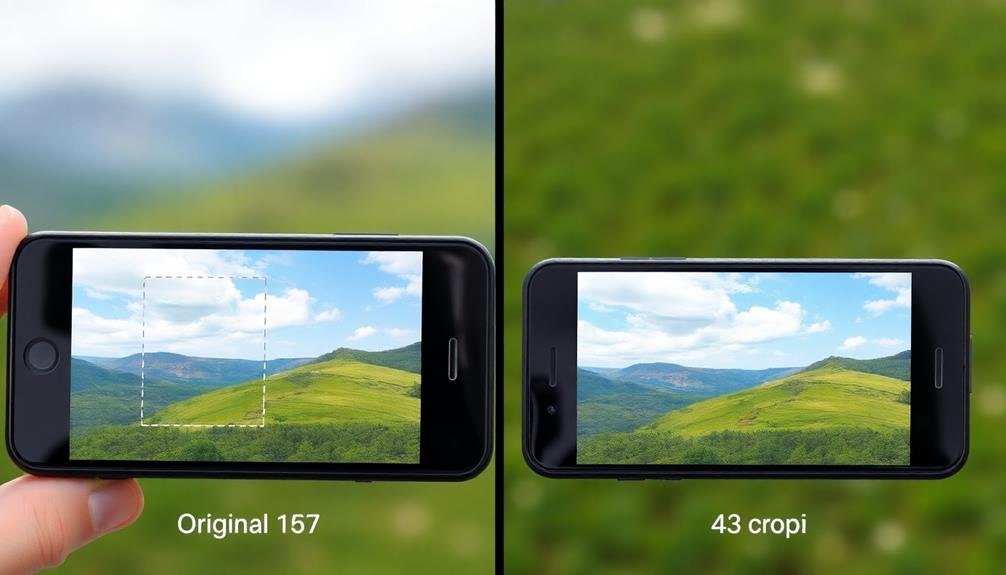
Aspect ratios play an essential role in how your smartphone photos are presented and perceived. When you crop your images, you're not just removing unwanted elements; you're also adjusting the aspect ratio. This can dramatically change the composition and feel of your photo.
Most smartphones capture images in a 4:3 ratio, but you might want to experiment with other ratios for different effects:
| Ratio | Description | Best Used For |
|---|---|---|
| 1:1 | Square | Social media, portraits |
| 16:9 | Widescreen | Landscapes, cinematics |
| 3:2 | Classic | Prints, versatile |
| 5:4 | Traditional | Formal portraits |
| 21:9 | Ultra-wide | Panoramas, film look |
To adjust aspect ratios, use your phone's built-in editing tools or third-party apps. Remember, changing the ratio can affect how your image appears on different platforms. For instance, Instagram prefers square photos, while Twitter favors a 16:9 ratio.
When choosing an aspect ratio, consider your subject matter and intended display method. A wide ratio might enhance a sweeping landscape, while a square crop could perfectly frame a portrait. Don't be afraid to experiment with different ratios to find what works best for each photo.
Emphasizing Leading Lines
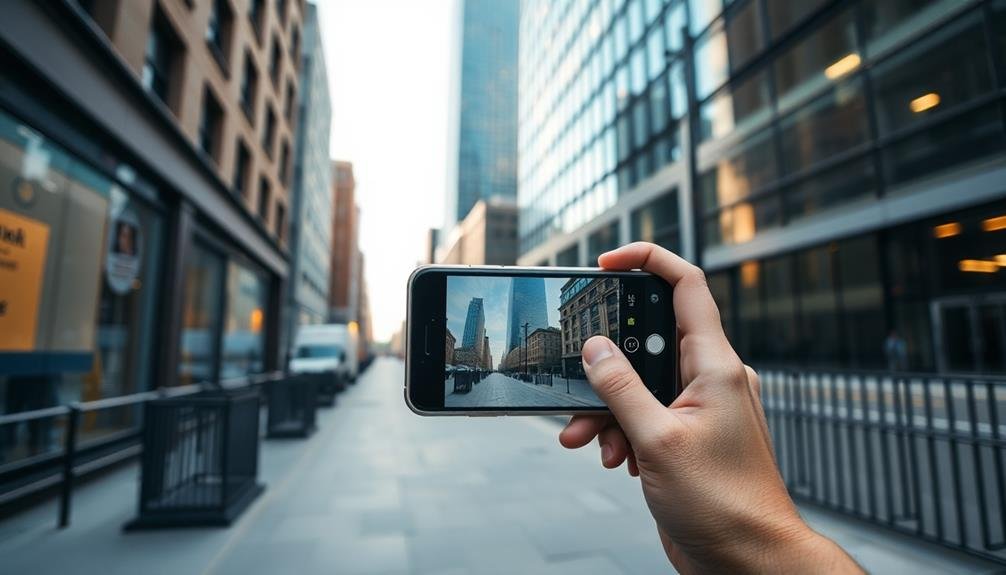
Leading lines are one of the most powerful compositional tools in photography. They guide the viewer's eye through the image, creating depth and visual interest.
When you're cropping your smartphone photos, you can emphasize these lines to enhance your composition dramatically. Look for natural lines in your environment, such as roads, fences, or architectural features, and use cropping to position them more effectively within the frame.
To emphasize leading lines in your cropped photos:
- Align the line with the edge of the frame to create a strong visual entry point
- Position the line diagonally across the image for a dynamic effect
- Use multiple lines converging on a focal point to draw attention
- Crop out distracting elements that compete with the leading lines
Focusing on Negative Space
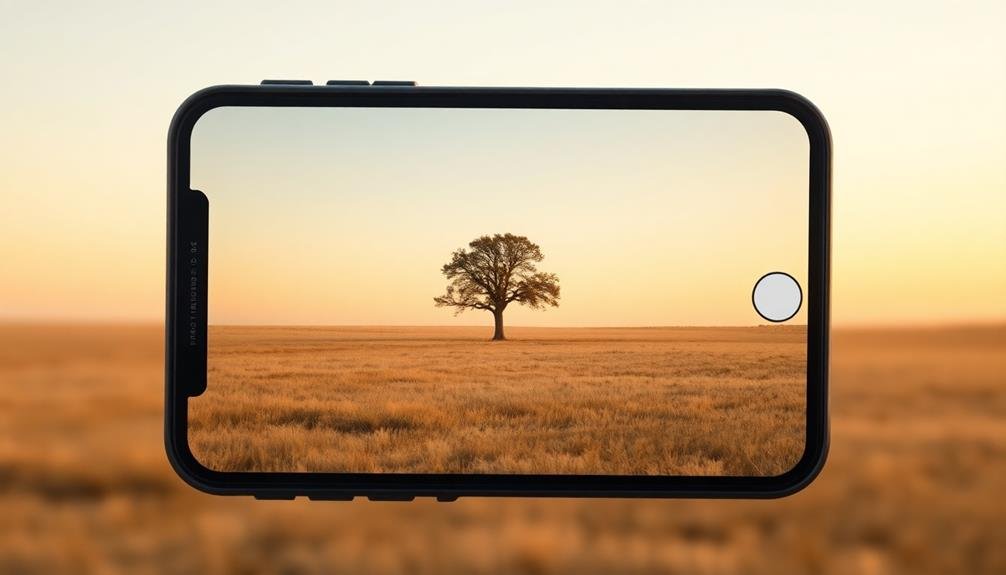
While leading lines guide the viewer's eye, negative space plays an equally important role in composition. Negative space refers to the empty areas surrounding your main subject. By cropping your smartphone photos to emphasize this space, you'll create a more balanced and visually appealing image.
When you're focusing on negative space, look for opportunities to simplify your composition. Remove distracting elements and leave breathing room around your subject. This technique can make your main subject stand out more prominently and create a sense of calm in your photo.
Here's a quick guide to using negative space effectively:
| Purpose | Technique | Effect |
|---|---|---|
| Balance | Offset subject | Creates visual interest |
| Emphasis | Isolate subject | Draws attention |
| Mood | Increase space | Evokes emotion |
| Minimalism | Remove clutter | Simplifies image |
| Contrast | Use color/texture | Enhances subject |
Frequently Asked Questions
Can Cropping Fix Blurry or Low-Resolution Smartphone Photos?
Cropping can't fix blurry or low-resolution smartphone photos. It won't improve image quality or sharpness. Instead, you'll likely make the issue worse by enlarging pixels. Try using better lighting and focusing techniques for clearer shots.
How Much Cropping Is Too Much for Social Media Posts?
You don't want to crop too much for social media posts. Aim to keep your crop within 20-25% of the original image. Any more than that, and you'll risk losing quality and detail.
Are There Apps Specifically Designed for Cropping Smartphone Photos?
Yes, there are many apps designed for cropping smartphone photos. You'll find options like Snapseed, VSCO, and Adobe Lightroom Mobile. They offer precise cropping tools, aspect ratio presets, and additional editing features for your images.
Does Cropping Affect the File Size or Quality of the Image?
Yes, cropping does affect your image. It'll reduce the file size and pixel count, potentially impacting quality. However, if you're not enlarging the photo, you likely won't notice a significant difference in visual quality.
Can Cropping Help Salvage Poorly Composed Photos Taken by Others?
Yes, you can often salvage poorly composed photos through cropping. It'll help you remove distracting elements, improve framing, and focus on the main subject. You're fundamentally giving the image a second chance at better composition.
In Summary
You've now got the tools to transform your smartphone photos through cropping. Don't hesitate to experiment with these techniques. They'll help you create more visually appealing and impactful images. Remember, cropping isn't just about cutting out unwanted elements; it's about refining your composition and telling a stronger visual story. So next time you're scrolling through your camera roll, take a moment to reflect on how cropping might elevate your shots.



Leave a Reply