

Indoor portraits shine with phone photography due to the unparalleled control you have over your environment. You'll enjoy manipulating light sources, creating intimate atmospheres, and accessing convenient settings right at home. Soft, flattering light becomes easy to achieve, while everyday objects transform into creative backdrops. Your minimalist equipment setup, consisting mainly of your smartphone, allows for stability and experimentation. You'll consistently capture stunning images and enhance them with powerful editing tools. Plus, confined spaces inspire unique compositions, pushing your creativity to new heights. Discover how your home can become your personal portrait studio.
Controlled Lighting Environment

One of the most significant advantages of indoor portrait photography with a phone is the ability to control your lighting environment. Unlike outdoor settings where you're at the mercy of natural light, indoors you can manipulate light sources to achieve your desired effect.
You'll have the freedom to experiment with different lighting setups, from soft, diffused light to dramatic, high-contrast scenes.
Start by identifying your main light source. This could be a window, a lamp, or even your phone's built-in flash. Position your subject to make the most of this light, considering factors like direction and intensity.
You can use reflectors or white surfaces to bounce light and fill in shadows, creating a more balanced exposure.
Don't be afraid to get creative with artificial lighting. Try using household lamps, LED strips, or even candles to add unique effects to your portraits.
With your phone's camera, you can easily adjust exposure and white balance to compensate for different light sources.
Intimate Atmosphere
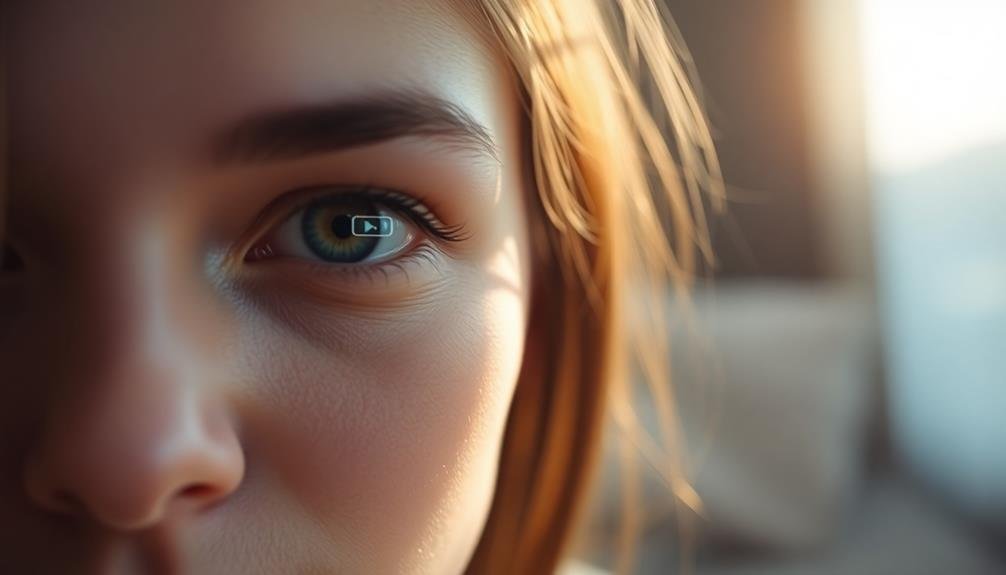
Creating an intimate atmosphere for your indoor phone portraits goes beyond just controlling the lighting.
You'll want to focus on cozy, personal settings that make your subject feel comfortable and relaxed.
Cozy, Personal Settings
Homes offer a treasure trove of intimate spaces for capturing compelling indoor portraits with your phone.
Look for cozy corners, like a favorite reading nook or a window seat, where your subject feels comfortable and relaxed. These personal settings add depth and context to your portraits, revealing more about the individual's personality and lifestyle.
Utilize everyday objects to create a sense of familiarity and warmth. A well-worn armchair, a collection of books, or a cherished family heirloom can serve as meaningful props that enhance the story behind your portrait.
Pay attention to the interplay between your subject and their surroundings, capturing genuine moments of interaction.
Don't overlook unconventional spaces like kitchens or home offices. These areas often hold personal significance and can provide unique backdrops for your portraits.
Experiment with different angles and perspectives to showcase the coziness of the setting while keeping your subject as the focal point.
Controlled Lighting Environment
Unlike outdoor photography, indoor settings offer you unparalleled control over lighting, allowing for the creation of an intimate atmosphere in your phone portraits. You can manipulate light sources to craft the perfect mood for your subject.
Experiment with soft, diffused light from windows or lamps to create a gentle, flattering glow. Use curtains or blinds to adjust natural light intensity and direction.
For dramatic effects, try low-key lighting with a single light source. This technique emphasizes shadows and creates a moody, mysterious ambiance. Alternatively, use multiple light sources to sculpt your subject's features and add depth to the image.
Don't forget about color temperature; warm lights can evoke coziness, while cool tones might suggest a more modern feel.
Your phone's camera settings are essential in a controlled environment. Adjust ISO, shutter speed, and exposure compensation to fine-tune your shots. Use the HDR mode for high-contrast scenes or portrait mode for a pleasing background blur.
Emotive Facial Expressions
With indoor portraits, capturing emotive facial expressions becomes essential for creating an intimate atmosphere. Your phone's camera allows you to get up close and personal, making it easier to capture genuine emotions.
Encourage your subject to relax and be themselves, as this will lead to more authentic expressions. Use your phone's portrait mode to blur the background, drawing attention to the subject's face. This technique helps emphasize subtle emotional nuances.
Experiment with different angles to capture various moods – a slight tilt of the head or a gentle smile can convey different feelings.
Lighting plays an important role in highlighting facial expressions. Soft, diffused light from a nearby window can create a flattering glow that accentuates the subject's features.
If natural light is limited, use your phone's flash or a small LED light to illuminate the face gently.
Don't be afraid to direct your subject. Suggest they think of a happy memory or a funny joke to elicit genuine smiles. For more serious portraits, ask them to reflect on a thoughtful moment.
Convenient Accessible Settings

Convenience is key when it comes to indoor portrait photography with your phone. You'll find that your home, office, or any indoor space you're familiar with can serve as an excellent backdrop for your portraits.
These settings offer comfort and ease, allowing you to focus on capturing genuine moments without the hassle of transporting bulky equipment or scouting unfamiliar locations.
Your everyday surroundings provide a wealth of opportunities for creating stunning portraits. Consider these accessible settings:
- Living room: Utilize natural light from windows and experiment with different furniture arrangements.
- Kitchen: Play with textures and colors from countertops, appliances, and cabinetry.
- Home office: Incorporate bookshelves or desk setups for a more professional look.
Flattering Soft Light
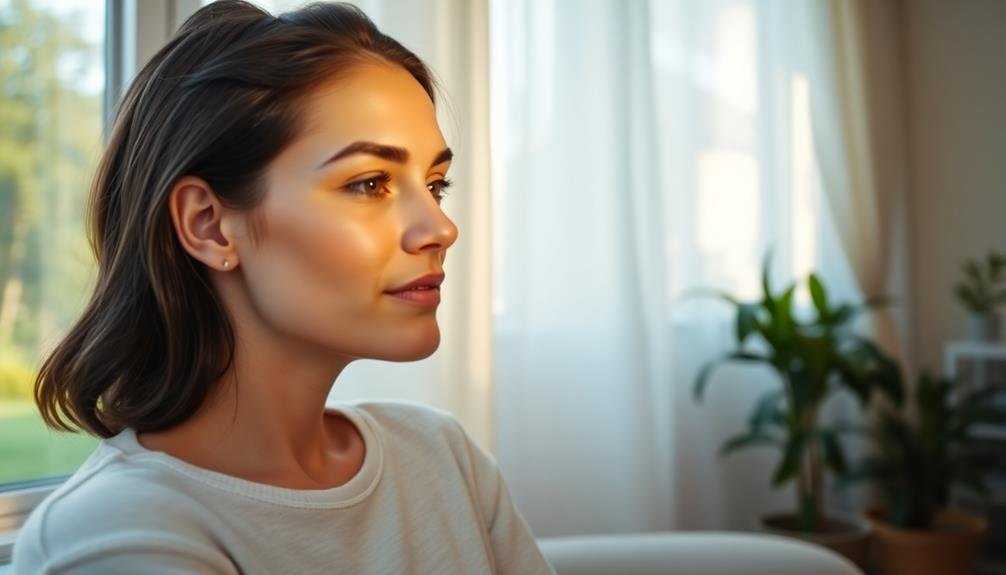
On account of its ability to create a flattering look, soft light is essential for indoor portrait photography with your phone. Soft light diffuses shadows, minimizes skin imperfections, and produces a gentle, appealing glow.
To achieve this effect, you'll want to seek out or create light sources that are large relative to your subject.
Windows are your best friend for natural soft light. Position your subject near a large window, but not in direct sunlight. Overcast days provide ideal conditions, as clouds act as a giant diffuser. If you're dealing with harsh sunlight, hang a sheer curtain to soften it.
For artificial lighting, avoid using your phone's built-in flash. Instead, opt for lamps with lampshades or paper lanterns to diffuse the light.
You can also bounce light off walls or ceilings by angling your light source. DIY solutions like placing a piece of parchment paper over a desk lamp can work wonders.
Creative Background Options
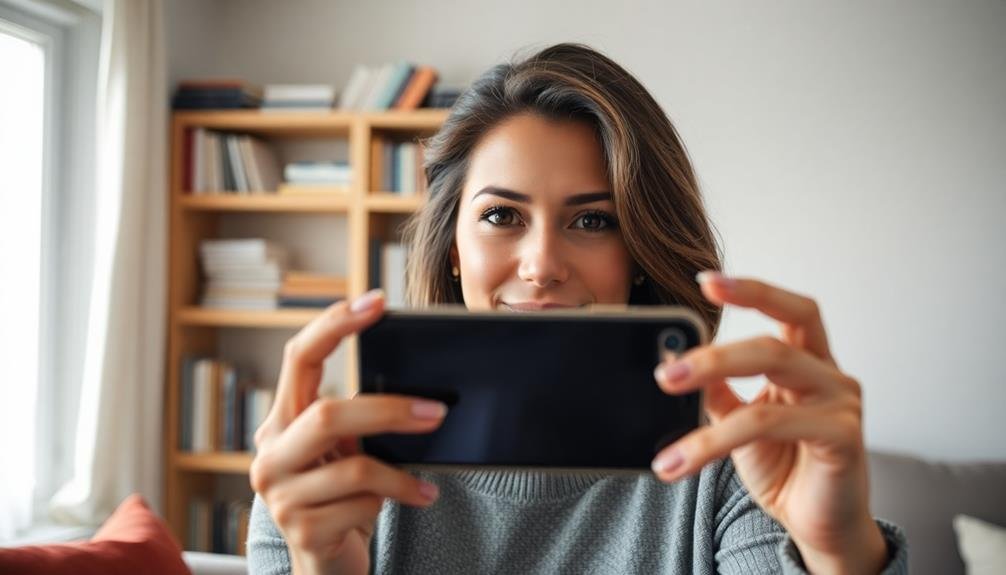
When shooting indoor portraits with your phone, you don't need fancy backdrops to create stunning results.
Look around your space for everyday objects that can serve as interesting backgrounds, or explore the textures of walls and surfaces to add depth to your images.
You can also experiment with window light techniques, positioning your subject strategically to leverage natural illumination and create mesmerizing visual effects.
Everyday Objects as Backdrops
Transforming ordinary household items into striking backdrops can elevate your indoor phone portraits. Look around your home with fresh eyes, and you'll discover a wealth of creative possibilities.
That plain white wall? It's a canvas waiting for your imagination. Drape a textured blanket over it, or project patterns using a desk lamp and a cutout design. Your bookshelf can serve as an intellectual backdrop, while a house plant adds a natural, organic element to your shots.
Don't overlook everyday objects that can create interesting textures and patterns:
- Kitchen utensils arranged in a grid
- Colorful paper or fabric swatches in a collage
- A collection of vintage items or hobby-related objects
Experiment with different angles and distances to find the most flattering composition. You can blur the background by getting close to your subject and using portrait mode, or keep it in focus to add context.
Textured Walls and Surfaces
While smooth walls can provide a clean backdrop, textured surfaces offer a dynamic and visually interesting element to your indoor portraits.
You'll find that textured walls and surfaces can add depth, character, and a unique aesthetic to your phone photography. Look for walls with exposed brick, rough plaster, or patterned wallpaper. These textures create visual interest and can complement your subject's features.
Wood paneling, stone walls, or even fabric-covered surfaces can serve as eye-catching backgrounds. Don't overlook the potential of textured flooring, such as hardwood or intricate tile designs.
When shooting against textured surfaces, pay attention to lighting. Side lighting can accentuate the texture, creating enchanting shadows and highlights. Experiment with different angles to find the most flattering composition that balances the texture with your subject.
Consider the color and pattern of the textured surface. A subtle texture can add dimension without overpowering the subject, while bold patterns can create a striking contrast.
Remember to adjust your phone's focus and exposure settings to guarantee your subject remains the focal point against the textured background.
Window Light Techniques
Window light is a photographer's best friend when it comes to indoor portraits. It's free, versatile, and can create stunning effects with minimal effort.
When using your phone for indoor portraits, position your subject near a window to take advantage of this natural light source. You'll want to experiment with different angles and distances from the window to achieve the desired look.
For soft, flattering light, place your subject facing the window or at a 45-degree angle to it. This will illuminate their face evenly and minimize harsh shadows.
If you're after a more dramatic effect, try backlighting by positioning your subject between the window and your camera. This creates a beautiful halo effect and adds depth to your images.
Here are three window light techniques to try:
- Silhouette: Place your subject directly in front of the window and expose for the bright background.
- Side lighting: Position your subject perpendicular to the window for sculpted shadows.
- Reflected light: Use a white reflector or wall opposite the window to bounce light back onto your subject.
Don't forget to adjust your phone's exposure settings to compensate for bright windows or darker interiors.
With practice, you'll master these techniques and create professional-looking portraits using just your phone and window light.
Weather-Independent Sessions
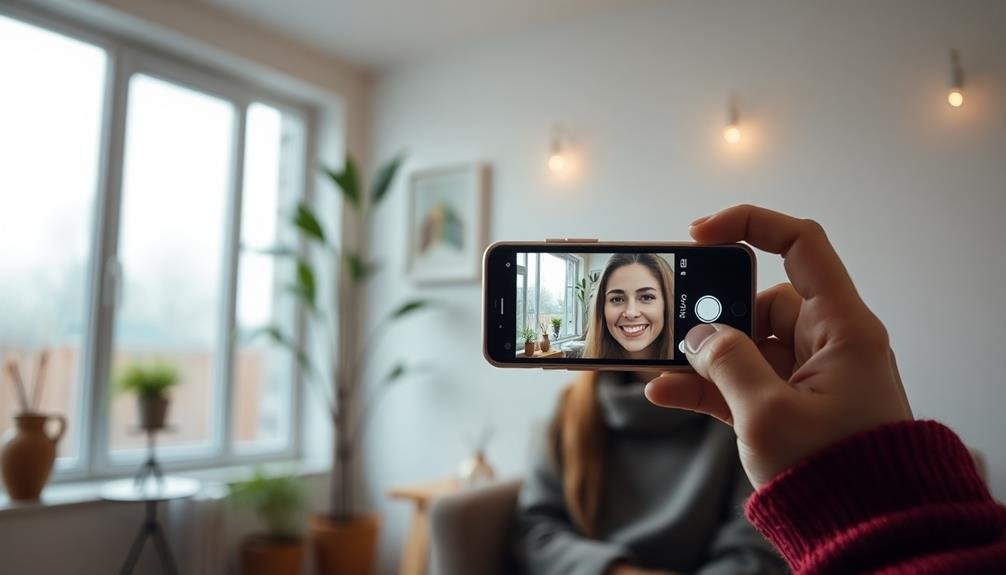
Indoor portrait photography offers a reliable solution for weather-independent sessions. You'll never have to worry about rescheduling due to rain, snow, or extreme temperatures. With your phone camera and a well-lit indoor space, you're always ready to capture stunning portraits.
Set up a dedicated area in your home or studio for consistent results. Choose a room with good natural light or invest in portable lighting equipment. You'll have complete control over your environment, allowing you to create the perfect atmosphere for your subjects.
Experiment with different backgrounds and props to add variety to your shots. Use textured walls, colorful fabrics, or even simple white sheets to create diverse backdrops.
Don't forget to reflect on your subject's comfort—indoor sessions allow for easy outfit changes and touch-ups.
Take advantage of your phone's features like portrait mode and adjustable focus to enhance your images. Use editing apps to fine-tune your photos, adjusting lighting, contrast, and color balance.
With practice, you'll develop a signature style that shines in any weather condition, making you a reliable and adaptable photographer.
Comfortable Subject Experience

Creating a comfortable environment for your subjects is key to capturing authentic indoor portraits with your phone. When you're shooting indoors, you have control over the setting, allowing you to tailor the space to your subject's needs. This control helps put your subject at ease, resulting in more natural and expressive photos.
Start by ensuring the room temperature is pleasant. A comfortable subject will be more relaxed and willing to engage with the camera.
Next, consider the lighting. Soft, diffused light is flattering and less harsh on the eyes, making it easier for your subject to maintain natural expressions. You can achieve this with sheer curtains or by bouncing light off walls.
To further enhance your subject's comfort, try these tips:
- Play background music to create a relaxed atmosphere
- Offer refreshments to keep your subject hydrated and at ease
- Engage in friendly conversation to build rapport and reduce nervousness
Minimalist Equipment Setup
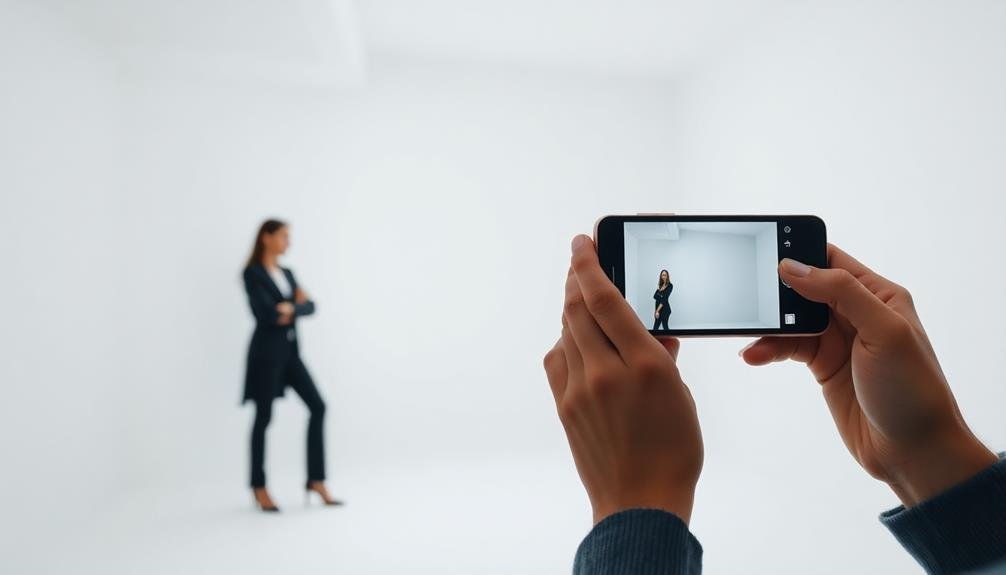
A minimalist equipment setup is key for successful indoor phone photography. You don't need expensive gear to capture stunning portraits. Your smartphone is your primary tool, equipped with a powerful camera and editing capabilities.
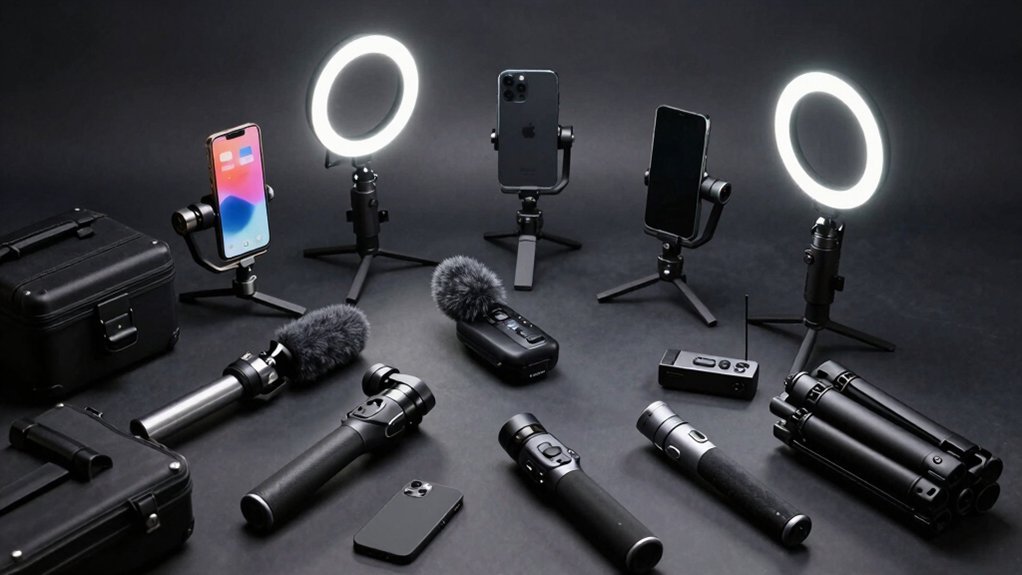
To enhance your shots, consider a few affordable accessories. Invest in a small, portable tripod to steady your phone and reduce blur, especially in low-light conditions. A clip-on lens kit can expand your creative options, offering wide-angle, macro, or telephoto perspectives.
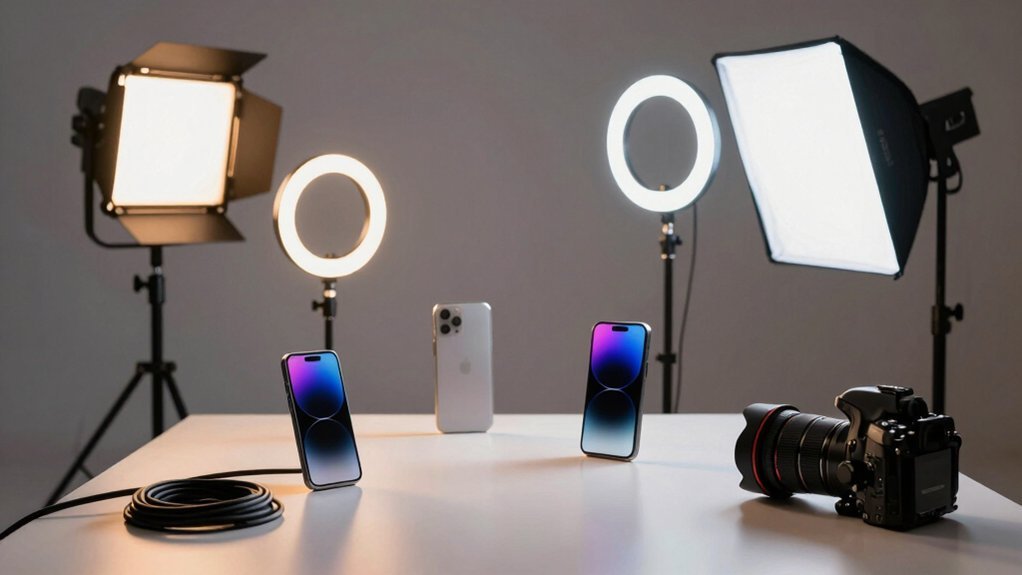
For lighting, natural window light is often ideal, but a small LED panel or ring light can provide additional illumination when needed.
To refine your compositions, use everyday household items as props or backdrops. A plain white sheet can serve as a simple backdrop, while books, plants, or textured fabrics add interest to your scenes.
Don't forget about reflectors – a piece of white cardboard can bounce light onto your subject's face, softening shadows.
Consistent Results

You'll achieve consistent results in your indoor phone portraits by mastering three key elements.
Create a controlled lighting environment that you can replicate easily for each session.
Maintain stable shooting conditions, including your hand position and distance from the subject.
Controlled Lighting Environment
Indoor photography's greatest advantage lies in the ability to control your lighting environment. When you're shooting portraits indoors with your phone, you've got complete command over the light sources, their intensity, and direction.
This control allows you to create consistent, professional-looking results that are often challenging to achieve outdoors. You can easily manipulate the lighting to suit your subject and desired mood.
Experiment with different light sources, such as:
- Natural light from windows
- Artificial lighting like lamps or LED panels
- Reflectors to bounce and soften light
By adjusting curtains, blinds, or using diffusers, you can soften harsh light and create a flattering glow on your subject's face.
Position your subject strategically in relation to the light source to achieve the desired effect, whether it's dramatic shadows or evenly lit features.
With indoor lighting control, you'll find it easier to maintain a consistent look across multiple shots or sessions. This is particularly useful for creating a cohesive portfolio or series of portraits.
You'll also have the flexibility to shoot at any time of day, regardless of weather conditions, making your phone photography more versatile and reliable.
Stable Shooting Conditions
Stable shooting conditions are another significant advantage of indoor phone photography for portraits. When you're indoors, you don't have to worry about sudden changes in weather, wind, or lighting that can disrupt your outdoor shoots. This stability allows you to focus on perfecting your composition and capturing the best expressions from your subject.
Indoor environments also provide consistent surfaces for you to rest your arms or phone against, reducing camera shake and resulting in sharper images. You can easily set up makeshift tripods using furniture or other household items, further enhancing stability. This is particularly useful for low-light situations where longer exposure times are necessary.
The controlled indoor setting also allows you to experiment with various poses and angles without rushing. You can take your time to adjust your subject's position, try different backgrounds, and fine-tune your camera settings without worrying about changing outdoor conditions.
This relaxed atmosphere often leads to more natural and authentic portraits, as your subject feels comfortable and at ease. By leveraging these stable shooting conditions, you'll consistently produce high-quality portraits that showcase your subject's personality and your photographic skills.
Predictable Background Elements
One of the most significant advantages of indoor portrait photography is the predictability of background elements. When you're shooting indoors, you have complete control over what appears behind your subject.
This consistency allows you to focus on capturing the perfect expression or pose without worrying about unexpected changes in the background.
You can easily create a studio-like setting by choosing a plain wall or hanging a backdrop. This predictability guarantees that your portraits maintain a professional look across multiple sessions.
It's also easier to plan your composition when you know exactly what elements will be in the frame.
Here are three ways to leverage predictable background elements:
- Use a neutral wall to create a clean, minimalist look
- Hang a patterned fabric for a more dynamic background
- Incorporate indoor plants or furniture for added depth and interest
Enhanced Editing Capabilities

Numerous editing capabilities now available on smartphones have revolutionized indoor portrait photography. You'll find a wide array of tools at your fingertips, from basic adjustments to advanced retouching features. With just a few taps, you can enhance exposure, contrast, and color balance to bring out the best in your indoor portraits.
Many phone editing apps offer portrait-specific tools like skin smoothing, blemish removal, and eye brightening. These allow you to refine your subject's appearance without the need for complex desktop software. You can also experiment with selective editing, adjusting specific areas of your image while leaving others untouched.
Advanced features like HDR and AI-powered scene recognition help you tackle challenging indoor lighting conditions. You'll be able to recover details in shadows and highlights, creating balanced and professional-looking portraits.
Creative filters and presets let you quickly apply stylized looks to your images, giving them a unique aesthetic. With these enhanced editing capabilities, you can transform your indoor phone portraits into polished, gallery-worthy images right on your device.
The convenience and power of these tools make phone photography an increasingly attractive option for indoor portrait work.
Unique Compositional Opportunities

Indoor environments offer a wealth of unique compositional opportunities for phone portrait photography.
You'll find that the confined spaces and varied elements of interior settings can inspire creative framing and storytelling. Use windows, doorways, and architectural features to naturally frame your subject, creating depth and visual interest.
Experiment with reflections in mirrors or glass surfaces to add an artistic twist to your portraits.
Don't shy away from unconventional angles. Your phone's compact size allows you to easily capture shots from high, low, or tight corners that might be challenging with larger cameras.
Play with leading lines created by furniture, stairs, or hallways to guide the viewer's eye towards your subject.
Here are three compositional techniques to try:
- Rule of thirds: Place your subject off-center for a more dynamic composition
- Symmetry: Use balanced elements in the room to create a visually pleasing image
- Negative space: Incorporate empty areas to draw attention to your subject
Frequently Asked Questions
How Do You Handle Low-Light Situations in Indoor Phone Photography?
To handle low-light indoor photography with your phone, you'll want to use night mode, increase ISO sensitivity, and stabilize your device. You can also experiment with external light sources or use editing apps to enhance brightness post-capture.
Can Phone Cameras Capture Professional-Quality Indoor Portraits?
Yes, you can capture professional-quality indoor portraits with phone cameras. They've improved considerably, offering advanced features like portrait mode, adjustable aperture, and AI enhancements. With proper lighting and technique, you'll achieve stunning results rivaling traditional cameras.
What's the Best Phone Camera for Indoor Portrait Photography?
You'll find the iPhone 13 Pro, Google Pixel 6 Pro, or Samsung Galaxy S21 Ultra excel for indoor portraits. They've got advanced low-light capabilities, multiple lenses, and AI-enhanced features that'll help you capture stunning, professional-looking shots in any indoor setting.
How Do You Achieve Bokeh Effects in Indoor Phone Portraits?
To achieve bokeh in indoor phone portraits, you'll want to use portrait mode, position your subject away from the background, and guarantee good lighting. Try tapping to focus on your subject's face for maximum background blur.
Are There Specific Apps Recommended for Indoor Portrait Editing on Phones?
You'll find several great apps for editing indoor portraits on your phone. Try Snapseed, VSCO, or Lightroom Mobile. They offer powerful tools for adjusting lighting, color, and adding effects to make your indoor shots shine.
In Summary
You've discovered why indoor portraits shine with phone photography. You've harnessed controlled lighting, created intimate atmospheres, and utilized convenient settings. You've embraced soft, flattering light and explored creative backgrounds. With minimal equipment, you've achieved consistent results and accessed enhanced editing capabilities. You've found unique compositional opportunities that make your indoor portraits stand out. By mastering these elements, you've elevated your phone photography skills, creating stunning indoor portraits that rival traditional camera setups.

Leave a Reply