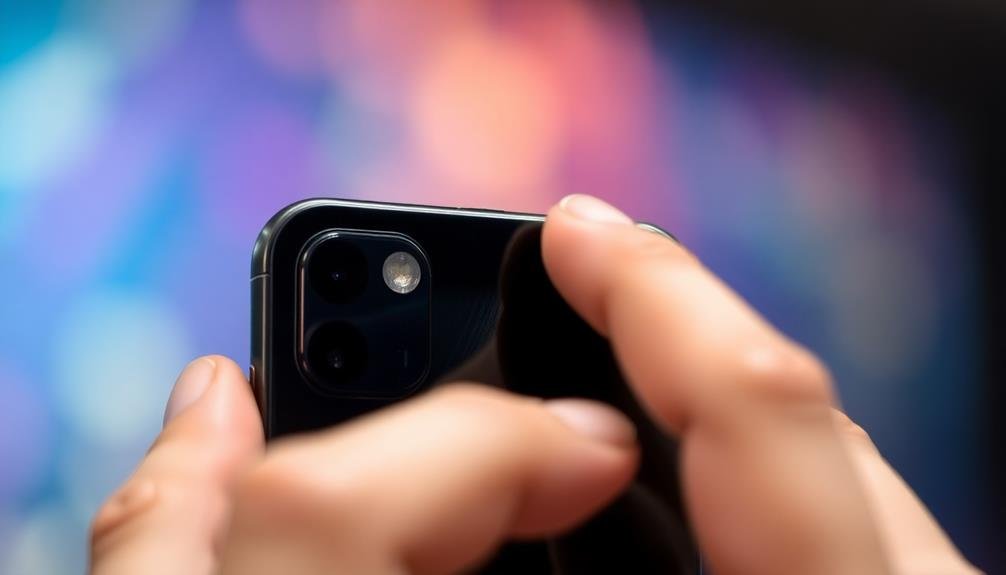
Selective focus apps elevate your mobile photography by enhancing subject prominence and creating depth in your images. They direct viewers' attention, mimicking professional camera effects like bokeh and shallow depth of field. These apps help you hide unwanted background elements, improving portrait shots and overall composition. You'll gain versatility in post-processing, allowing you to adjust focus and blur effects after capturing the image. By compensating for smartphone camera limitations, you can achieve stunning results that rival DSLR quality. Plus, your enhanced photos will boost your social media appeal, enchanting audiences with eye-catching visuals. Discover how these powerful tools can transform your mobile photography skills.
Enhancing Subject Prominence
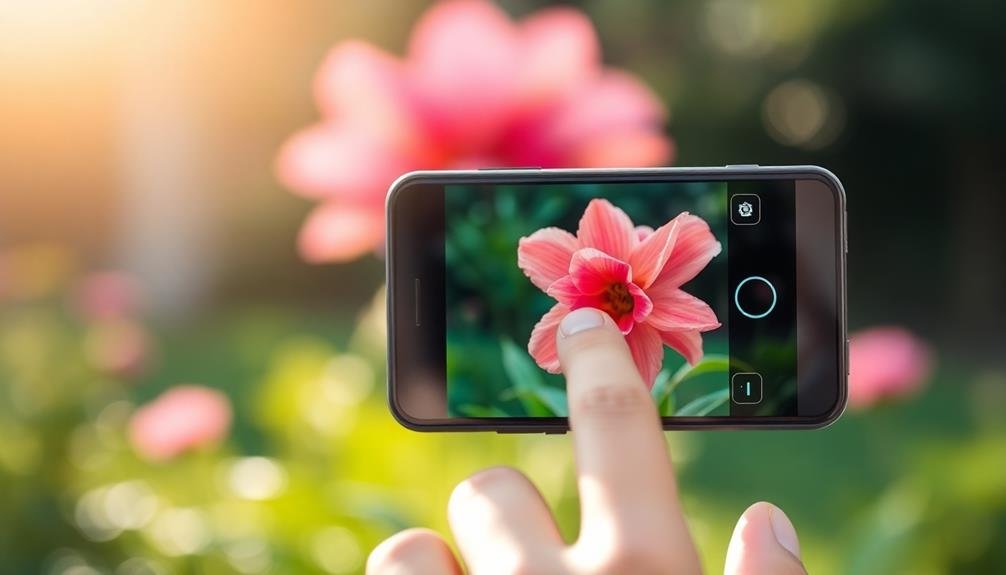
When using selective focus apps, enhancing subject prominence is an essential technique to master. These apps allow you to draw attention to your main subject by blurring the background, creating a depth-of-field effect similar to what you'd achieve with a DSLR camera. You'll be able to make your subject pop, whether it's a person, an object, or a specific detail in your scene.
To enhance subject prominence, start by identifying the focal point of your image. Position your subject off-center for a more dynamic composition. Use the app's tools to adjust the blur intensity and area, ensuring a smooth shift between sharp and blurred regions. Experiment with different levels of blur to find the right balance that doesn't look artificial.
Consider the lighting and contrast in your photo. A well-lit subject against a darker background will naturally stand out more. You can further emphasize this by slightly increasing the exposure or brightness of your main subject.
Some apps also offer color isolation features, allowing you to keep your subject in color while turning the background black and white, creating a striking visual impact.
Creating Depth in Images
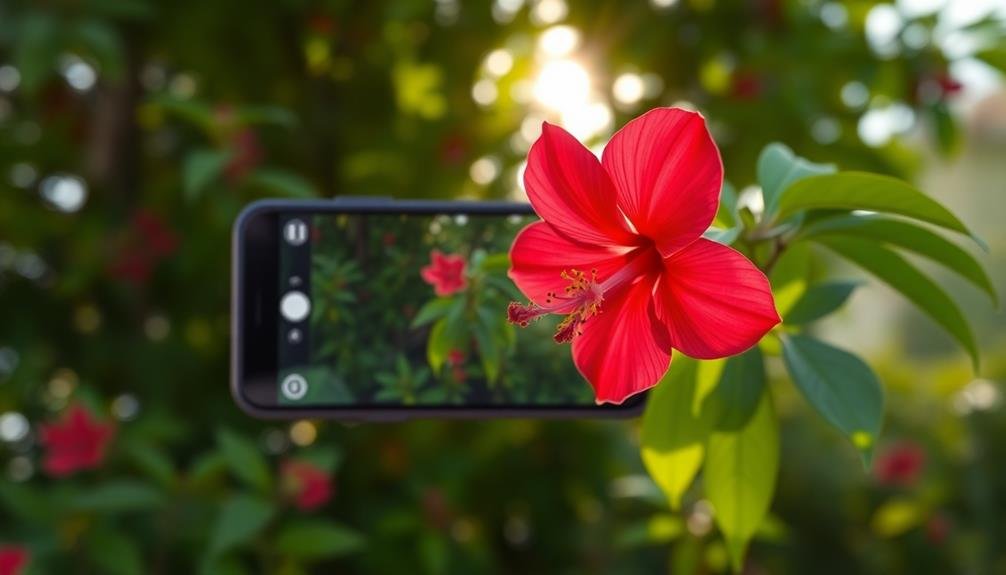
Selective focus apps don't just enhance subject prominence; they're powerful tools for creating depth in your mobile photos.
By manipulating focus and blur, you can add a sense of dimension to your images, making them more visually appealing and professional-looking. These apps allow you to simulate the shallow depth of field typically achieved with high-end cameras, giving your mobile shots a more sophisticated feel.
When using selective focus apps to create depth, consider these techniques:
- Blur the foreground and background, leaving the subject sharp
- Gradually increase blur from front to back for a natural look
- Use radial blur to draw attention to a specific area
- Create a tilt-shift effect for a miniature scene illusion
- Apply a subtle vignette to frame the subject and add depth
Directing Viewer's Attention
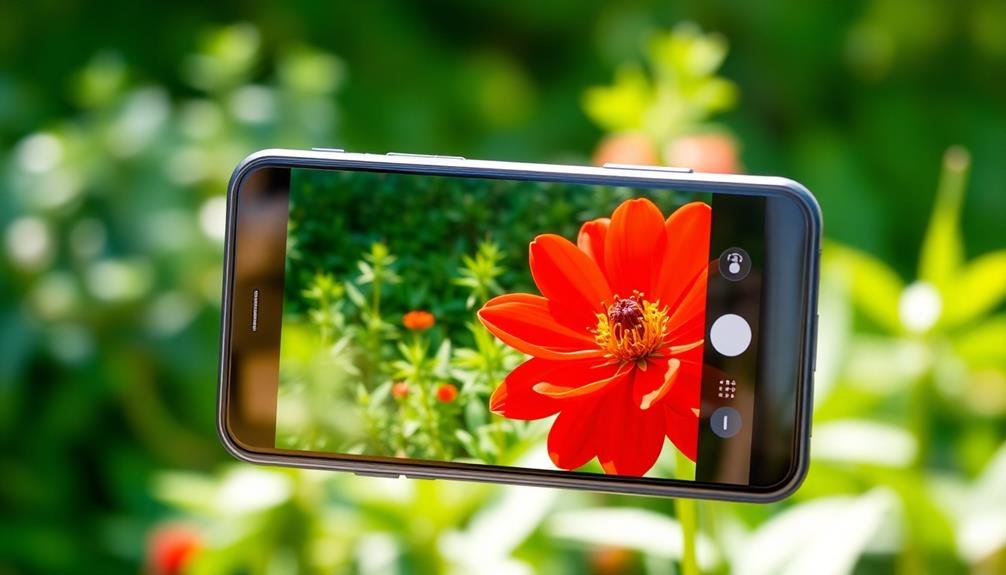
Selective focus apps enable you to highlight key subjects in your mobile photos, effectively guiding the viewer's eye.
By blurring certain areas while keeping others sharp, you'll create a visual hierarchy that emphasizes what's most important.
These tools allow you to take control of your image's narrative, ensuring your audience focuses on exactly what you want them to see.
Highlight Key Subjects
The primary purpose of selective focus apps is to highlight key subjects in your photos. These apps allow you to draw attention to specific elements within your image, making them stand out from the background. By blurring or softening less important areas, you can create a more impactful and visually appealing composition.
When using selective focus apps, you'll be able to:
- Emphasize a person's face in a portrait
- Highlight a product in a promotional shot
- Focus on a specific detail in a landscape
- Draw attention to text or signage
- Create a sense of depth in flat images
By adjusting the focus area, you can guide your viewer's eye to the most important parts of your photo. This technique is particularly useful when shooting in busy environments or when you want to minimize distracting elements.
With practice, you'll develop an intuitive sense of how to use selective focus to enhance your mobile photography.
Remember that selective focus isn't just about blurring the background. You can also use it to create interesting visual effects, such as tilt-shift miniature looks or dreamy, ethereal scenes.
Experiment with different focus shapes and intensities to find the perfect balance for each photo.
Create Visual Hierarchy
Building on the concept of highlighting key subjects, creating visual hierarchy in your photos is a powerful technique to guide your viewer's attention. By using selective focus apps, you'll be able to establish a clear order of importance within your image, directing the eye to specific elements.
Start by identifying the most essential part of your photo. This could be a person's face, a specific object, or a key detail. Use the app to keep this area in sharp focus while gradually blurring less important elements. The contrast between sharp and blurred areas naturally draws the eye to the crisp focal point.
You can also create depth by adjusting the level of blur for different parts of the image. Objects closer to the main subject might have less blur, while background elements can be more heavily blurred. This technique not only guides the viewer's gaze but also adds a sense of dimensionality to your photo.
Experiment with different levels of blur and focal points to find the most effective visual hierarchy for each image. Remember, the goal is to create a clear path for the viewer's eye to follow, enhancing the overall impact of your mobile photos.
Mimicking Professional Camera Effects
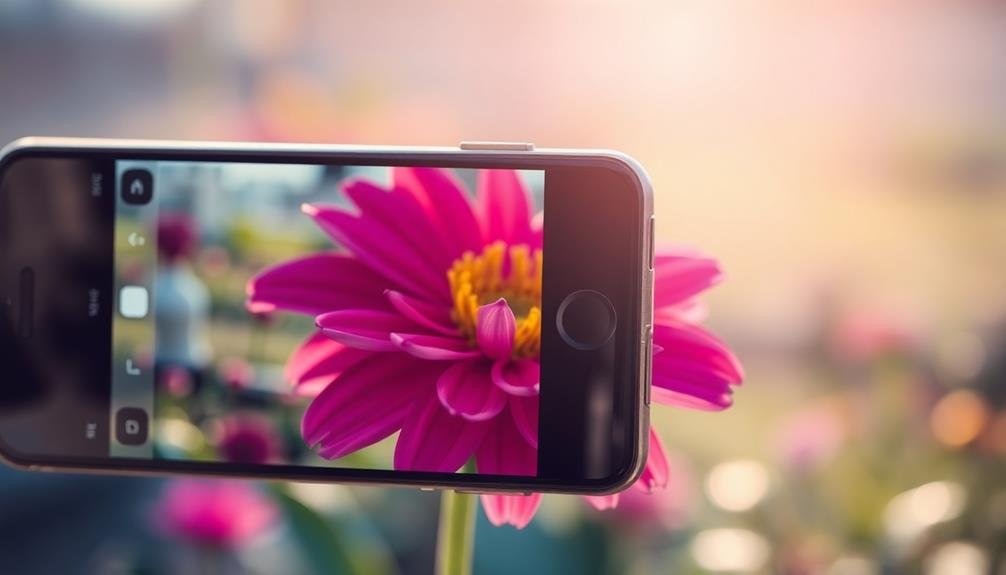
Mobile photography apps frequently aim to replicate the look of high-end camera equipment. These apps allow you to mimic professional camera effects without investing in expensive gear. By using selective focus apps, you can create stunning images that rival those taken with DSLR cameras.
These apps offer various features that emulate professional camera capabilities:
- Adjustable aperture settings
- Bokeh effects
- Depth of field control
- Tilt-shift simulation
- Lens blur options
You'll find that these tools give you greater control over your images, allowing you to emphasize specific subjects or create artistic backgrounds. By manipulating focus and depth, you can guide viewers' attention to the most important elements of your photo.
The ability to achieve professional-looking results with just your smartphone is a game-changer for amateur photographers. You can experiment with different styles and techniques without the need for multiple lenses or complex camera settings.
This accessibility democratizes photography, enabling you to produce high-quality images regardless of your equipment budget or technical expertise. As you explore these apps, you'll discover new ways to express your creativity and elevate your mobile photography skills.
Hiding Unwanted Background Elements
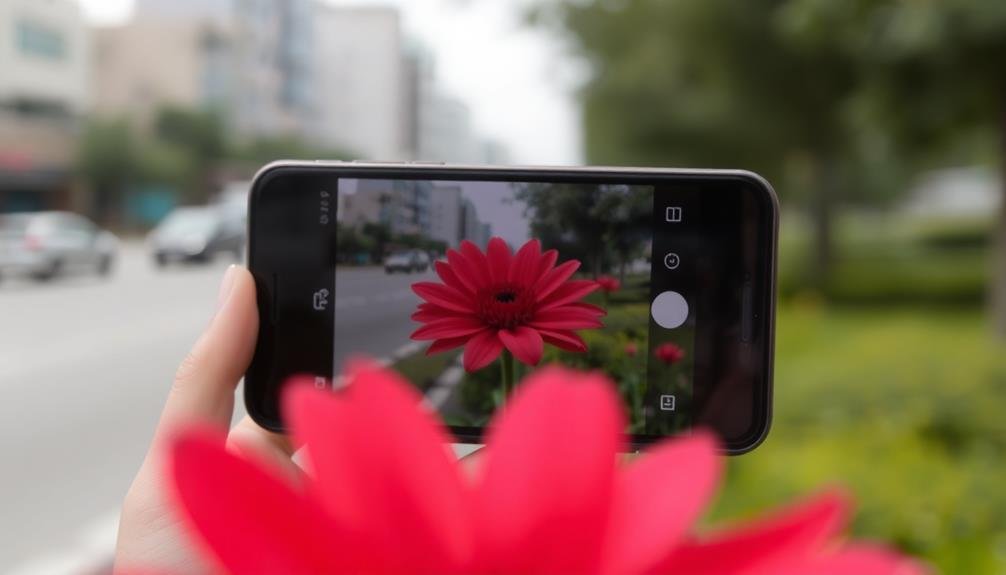
Selective focus apps excel at hiding unwanted background elements in your mobile photos. These tools allow you to blur or obscure distracting objects, people, or scenery that detract from your main subject.
You'll find this feature particularly useful when you can't control your shooting environment, such as in crowded public spaces or cluttered indoor settings.
With selective focus apps, you can easily remove visual clutter that might otherwise ruin an otherwise perfect shot. For example, you can blur out strangers photobombing your vacation pictures or minimize the impact of a messy background in a portrait.
These apps give you the power to direct the viewer's attention exactly where you want it, creating a more professional and polished look.
You'll also appreciate how selective focus can transform ordinary scenes into more artistic compositions. By blurring certain elements, you can create a sense of depth and dimensionality that wasn't present in the original image.
This technique can turn a flat, uninspiring photo into a visually engaging piece that draws the eye and tells a story.
Artistic Expression Through Focus
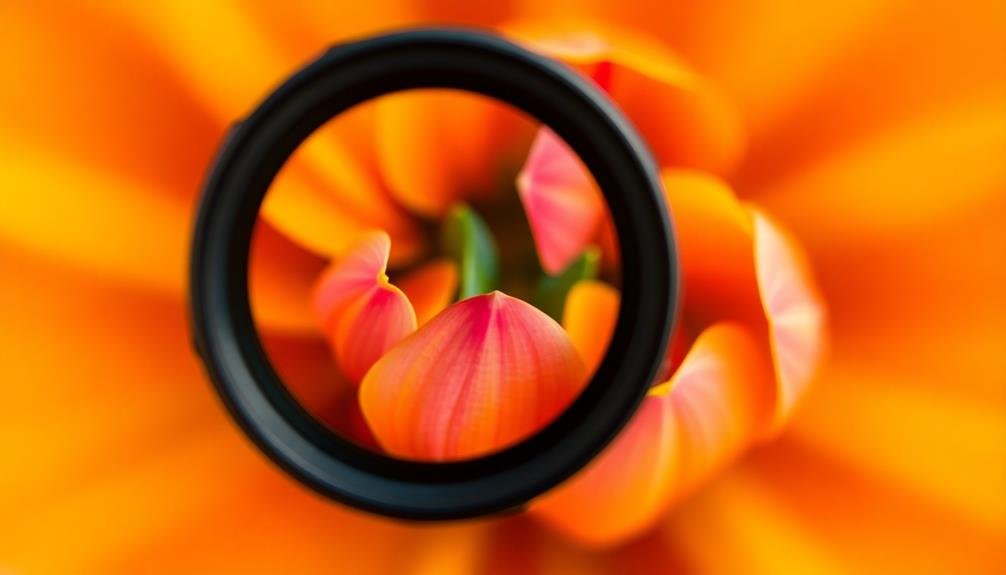
While technical precision is important, selective focus apps also open up a world of artistic possibilities for mobile photographers. You can use these tools to create unique visual narratives and evoke specific emotions in your images. By manipulating focus, you're able to guide the viewer's eye and emphasize certain elements of your composition.
Selective focus apps allow you to:
- Create dreamy, ethereal effects
- Simulate shallow depth of field
- Highlight subtle details
- Convey a sense of mystery or intrigue
- Experiment with abstract compositions
You'll find that playing with focus can dramatically alter the mood and impact of your photos. For instance, by blurring the background, you can create a sense of isolation or intimacy.
Alternatively, you might choose to keep only a small portion of the image in focus, drawing attention to a specific detail or texture. This technique can be particularly effective in portraiture, where you can emphasize a subject's eyes or expression.
Don't be afraid to push the boundaries and try unconventional approaches. The more you experiment with selective focus, the more you'll discover its potential for artistic expression in your mobile photography.
Improving Portrait Photography
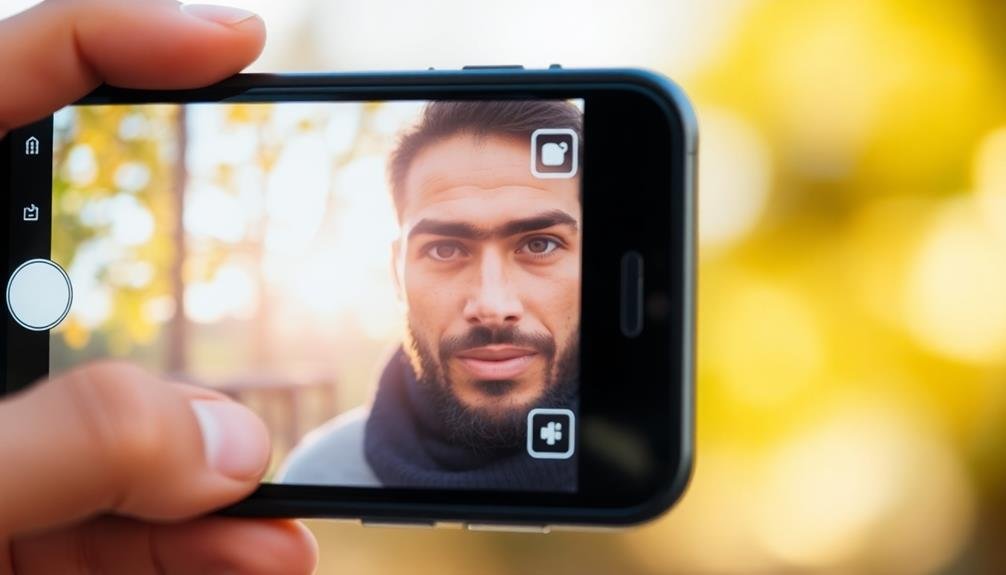
For portrait photography, selective focus apps can be game-changers. They allow you to create professional-looking portraits by blurring the background and emphasizing your subject.
With these apps, you'll be able to simulate the shallow depth of field typically achieved with expensive DSLR cameras and lenses.
When using selective focus apps for portraits, you can draw attention to your subject's eyes, facial features, or other important details. This technique helps eliminate distracting elements in the background, making your subject stand out.
You'll find that these apps offer various blur intensities and styles, allowing you to customize the effect to suit your vision.
Many selective focus apps also provide additional tools to enhance your portraits. You can adjust skin tones, brighten eyes, or even reshape facial features.
Some apps offer preset filters or lighting effects specifically designed for portraits, helping you achieve a polished look with minimal effort.
Versatility in Post-Processing
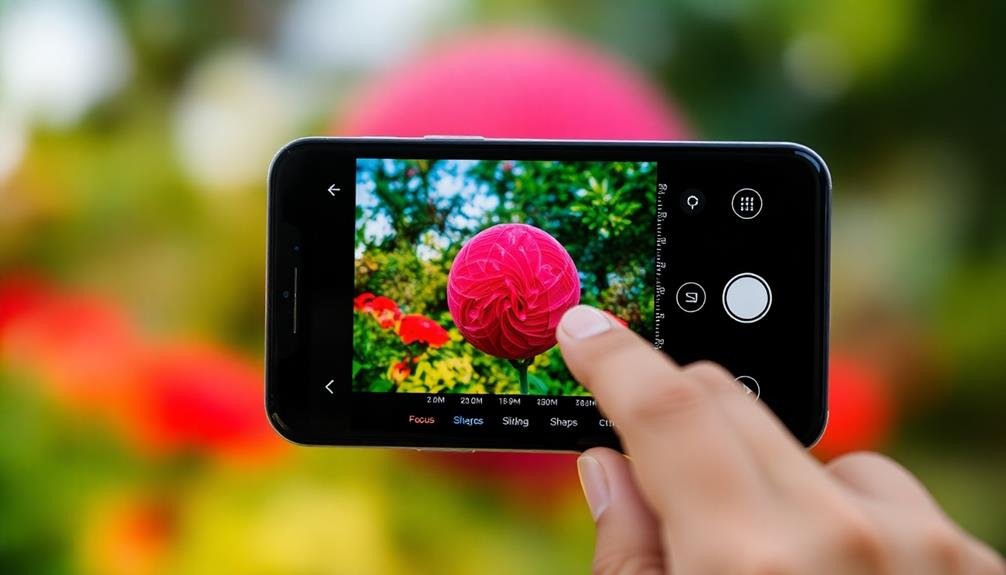
After capturing your photos, selective focus apps truly shine in their post-processing versatility. These apps allow you to adjust the focus and blur effects after you've taken the picture, giving you unprecedented control over your image's final look.
You're not locked into decisions made at the moment of capture, which is especially valuable when shooting fast-moving subjects or in challenging lighting conditions.
The post-processing capabilities of selective focus apps offer numerous advantages:
- Fine-tune depth of field to highlight specific subjects
- Experiment with different blur intensities and styles
- Adjust focus points to create unique visual narratives
- Correct minor focusing errors without reshooting
- Create artistic effects by selectively blurring parts of the image
These features empower you to transform ordinary snapshots into striking, professional-looking photographs.
You can easily emphasize key elements in your composition, direct the viewer's attention, or create a dreamy, ethereal atmosphere.
The ability to make these adjustments on your mobile device means you can edit and share your enhanced photos instantly, without needing to transfer them to a computer.
This flexibility in post-processing not only saves time but also encourages creativity and experimentation in your mobile photography.
Compensating for Smartphone Limitations
Despite advancements in smartphone camera technology, these devices still face inherent limitations compared to professional cameras. Selective focus apps help you overcome these constraints, allowing you to create professional-looking images with your mobile device.
One of the main limitations of smartphone cameras is their small sensor size, which results in a wider depth of field. This means more of your image is in focus, making it challenging to isolate subjects. Selective focus apps let you artificially blur backgrounds, mimicking the shallow depth of field achieved by larger camera sensors.
These apps also compensate for the fixed aperture of most smartphone cameras. While DSLR lenses allow you to adjust the aperture for creative control, your phone's camera doesn't offer this flexibility. Selective focus apps give you the power to simulate various aperture settings, creating bokeh effects that would otherwise be impossible with your device.
Additionally, these apps help overcome the limitations of digital zoom on smartphones. By allowing you to emphasize specific areas of your image, you can create the illusion of a closer, more detailed shot without sacrificing image quality.
Boosting Social Media Appeal
Three key factors make selective focus apps a powerful tool for boosting your social media appeal.
First, they help you create eye-catching images that stand out in crowded feeds.
Second, they allow you to guide viewers' attention to specific elements of your photo.
Third, they add a professional touch to your content, increasing engagement and followers.
When you use selective focus apps, you'll notice several benefits for your social media presence:
- Increased visual appeal: Your photos will look more polished and attractive
- Improved storytelling: You can emphasize key elements to convey your message
- Enhanced brand identity: Consistent use of focus techniques creates a recognizable style
- Higher engagement rates: Visually striking images attract more likes, comments, and shares
- Competitive edge: Your content will stand out among other users' posts
Frequently Asked Questions
Are Selective Focus Apps Compatible With All Smartphone Models?
You'll find that most selective focus apps are compatible with many smartphone models, but not all. Check your device's app store and the app's requirements to verify it'll work on your specific phone before downloading.
Can Selective Focus Be Applied to Existing Photos in My Gallery?
Yes, you can apply selective focus to existing photos in your gallery. Many apps allow you to edit previously taken images, letting you blur backgrounds or highlight specific areas to create a depth-of-field effect after the fact.
Do Selective Focus Apps Require an Internet Connection to Function?
Most selective focus apps don't require an internet connection to function. You'll typically be able to edit your photos offline. However, some apps may need connectivity for certain features like cloud storage or sharing options.
How Do Selective Focus Apps Compare to Built-In Smartphone Camera Features?
You'll find selective focus apps often offer more control and advanced features than built-in camera options. They provide additional editing tools, effects, and customization that let you fine-tune your photos beyond your smartphone's default capabilities.
Can I Adjust the Level of Blur After Applying Selective Focus?
Yes, you can adjust the blur level after applying selective focus in many apps. You'll often find a slider or control to fine-tune the background blur intensity, allowing you to customize the effect to your liking.
In Summary
Selective focus apps are powerful tools for your mobile photography. You'll enhance your images by creating depth, directing attention, and mimicking professional effects. They're perfect for improving portraits and hiding unwanted elements. You can easily compensate for smartphone limitations and boost your social media appeal. With versatile post-processing options, you'll transform ordinary shots into eye-catching masterpieces. So why not give selective focus apps a try? They'll take your mobile photos to the next level.



Leave a Reply